

WE WELCOME YOU
Thank you for choosing Digilogix Cape Town as your preferred solutions partner. We are confident that you will enjoy working with our knowledgeable and friendly staff and that you will be satisfied with the future-proofed services we provide

Meet your new campus Office Assistants
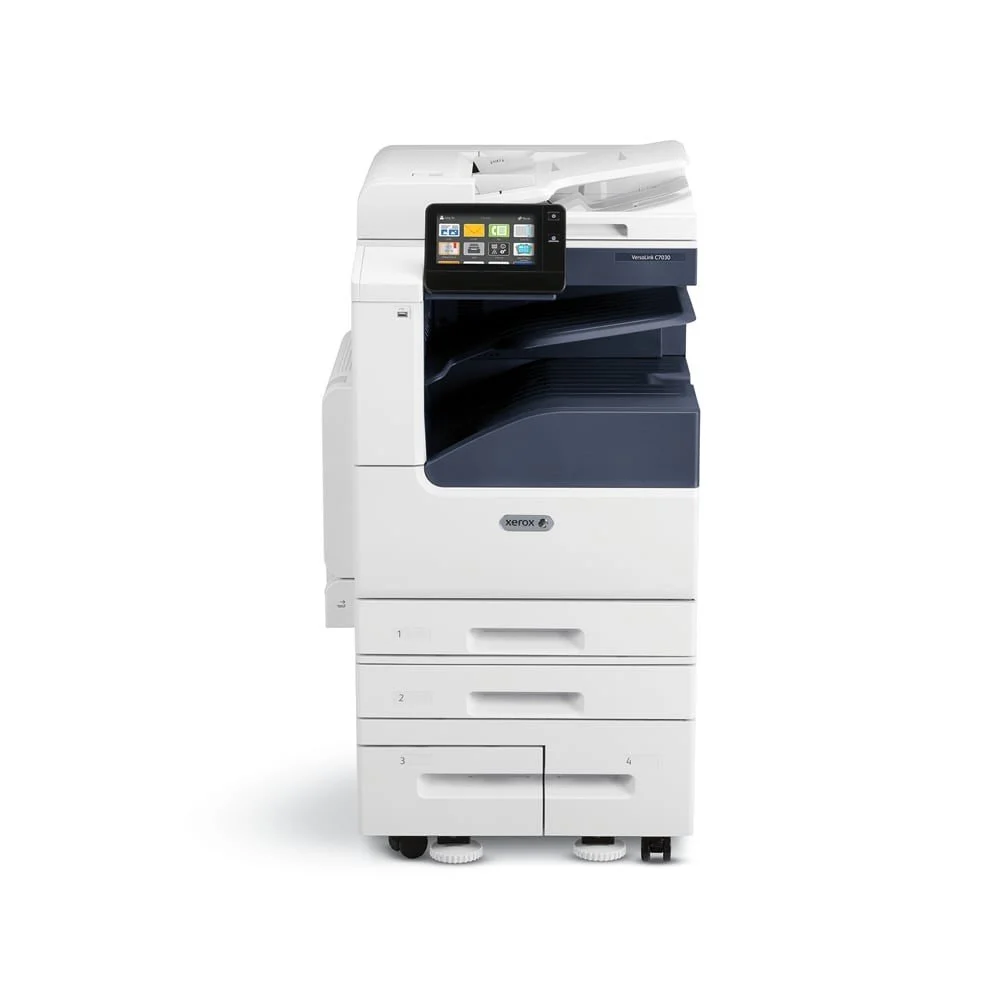
Xerox® VersaLink® C7020/C7025/C7030
-
The Xerox® ConnectKey® Technology-enabled VersaLink®
C7000 Series Color Multifunction Printer is cloud connected,
mobile ready, app-enabled and easy to personalize. The C7000
Series is your modern workplace assistant — helping you
excel today and stay ready for the future.
-
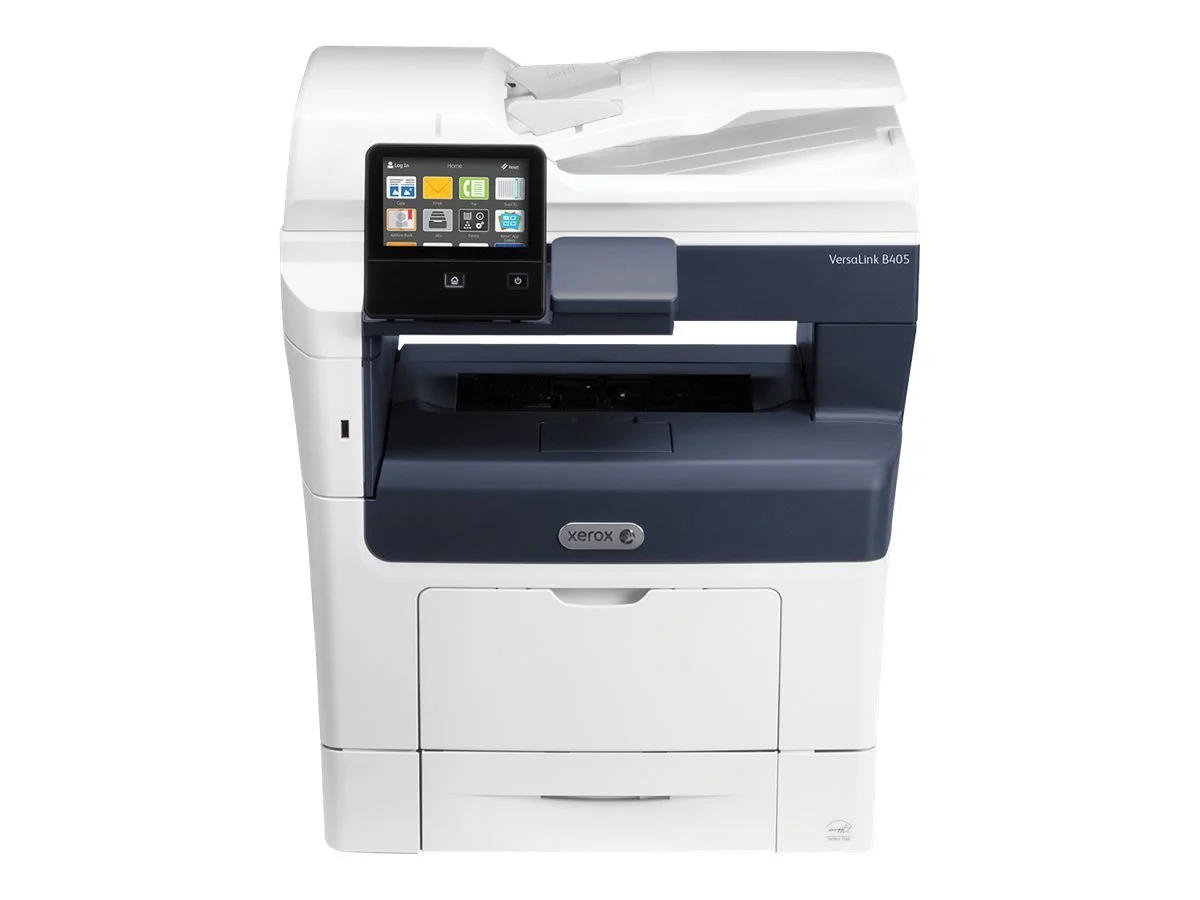
Xerox® VersaLink® B405
-
Whether stand-alone or as a part of your extended fleet, the
Xerox® VersaLink® B400 Printer and Xerox® VersaLink® B405
Multifunction Printer take your team to new levels of
productivity becoming true workplace assistants. Work the
way you want — from any device — with maximum security
and easy connectivity to and from both cloud and network-
based locations.
-
Xerox® VersaLink® B7025/B7030/B7035
-
When it comes to seamless integration into your work
environment and helping you get important tasks done
faster, there’s no smarter option than the affordable,
reliable and supremely business-ready VersaLink®
B7025/B7030/B7035 Multifunction Printer — featuring
Xerox® ConnectKey® Technolog
-
Xerox® VersaLink® B7125/B7130/B7135
-
What will you need tomorrow? It’s tough to predict the future, but with VersaLink, it’s easy to be
prepared. In fact, print just scratches the surface of what’s possible. Along with built-in, comprehensive
security features, these Workplace Assistants deliver the everyday, must-have capabilities you need
now, with plenty of room to add new features as your work evolves.
-
VersaLink® Family

Xerox® VersaLink® Family of Business Printers
Xerox® ConnectKey® Technology adds mobile and cloud capabilities to VersaLink devices, bridging the divide between the physical and digital worlds, making it easier for your team to work on the go and from anywhere.
What can my Office Assistants do?
We make it Easy ?
Support request can be initiated through the following means:

Support Number
011 447 7975


Log a service call

Account Queries

When initiating a support request:
Please provide the following information when creating a support ticket via email :
Location where the fault is occurring
Serial number of device
Meter Readings
Service which is affected, i.e. workstation, network, printer or application fault
Priority that you believe the request should have (low/scheduled, standard, high, critical)
Any information which would help us resolve the issue as soon as possible
Please log a new ticket should there be a different issue. This helps both parties keep track of different issues
Following this, you will receive an email informing you that your request has been logged. Please use this mail thread as the basis of all further correspondence on the specific query

The above process ensures that a ticket is logged, a technician is assigned, and the troubleshooting and resolution are formally logged and tracked. This allows us to measure our service and ensure a swift and pleasant experience for you our client
Important Note:
Direct emails, WhatsApp messages and cell phone calls to technicians are not monitored therefore please follow the guidelines stipulated to ensure the best response
Place a call for your printer at its campus — let's get it sorted!"

UCT Division of Neonatal Medicine
UCT College of Accounting

UCT Deputy Registrars Office
UCT Division of Emergency Medicine

UCT African Climate Development Initiative